Free AI Love Scene Generator Online
Turn authorized adult photos into an AI love scene. Choose one or two portraits, guide the mood with a focused prompt, and review the love image before you download it for a private romantic project.
AI Love Scene workspace
Authorized adult photos only · Sign in to generate with credits
Upload Images (optional)
Image model · 5 credits per generate · Google Nano Banana 2 Lite (Gemini) · 1:1 · Low
NSFW, violence/gore, hate, CSAM, deepfakes, and IP infringement are blocked. See Content Policy for full rules.
Result
HistoryNo result yet
Your latest AI love scene photos will appear here after generation.
Create Love Scene Images from Photos You May Use
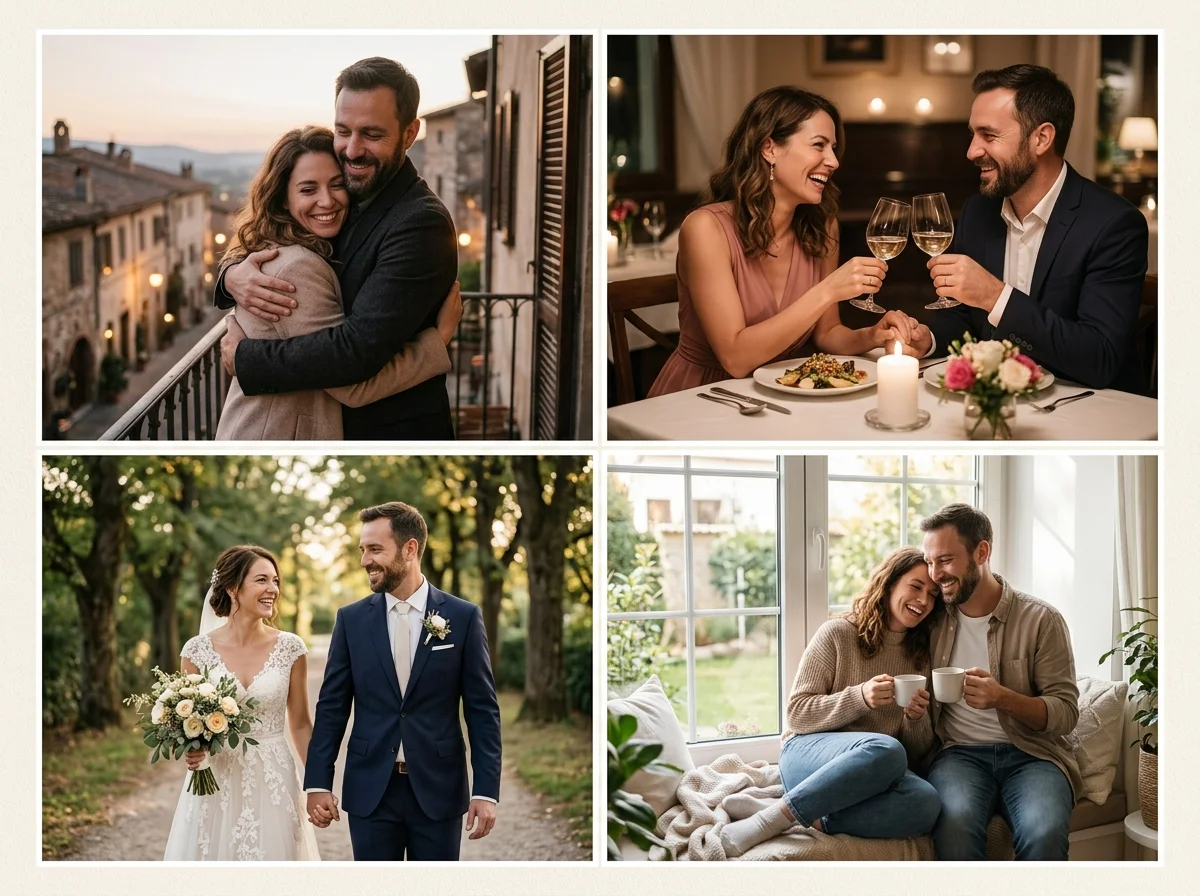
A practical AI love scene generator should adapt to the photos you already have. Start with two clear adult portraits when you need a matched pair, use one couple photo when both faces are already in frame, or keep the style guide open when you want a intimate love moment look.
AIKisssGo stays consent-first: adults only, authorized photos only. Related tools: couple video generator and wedding photo animation.
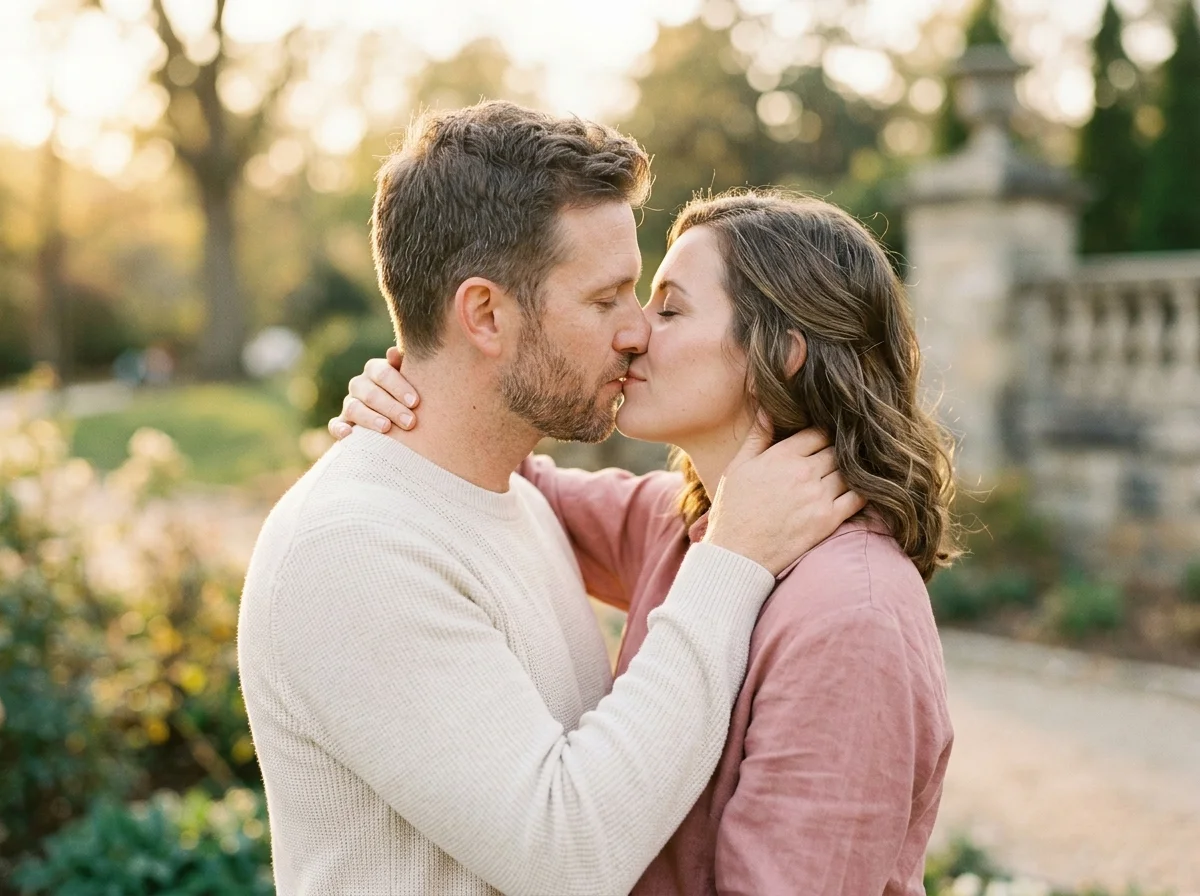
Photo to Love Scene with Clear Portraits
Photo-to-video love scene AI turns still faces into motion while keeping the people recognizable. Upload Photo A and Photo B to define who appears in the clip, then use an optional description for lighting, pacing, and closeness. Soft, even light and front-facing heads usually create cleaner contact than extreme close-ups or heavy filters.
Prompt Guidance for Ideas That Start with Words
When your idea starts as a sentence, describe the mood instead of writing sensational copy. Mention soft golden light, a gentle camera push-in, natural skin texture, and a calm love scene style. Short prompts are easier to refine than long scripts, and they keep the focus on recognizable faces and believable motion.
Style References for Consistent Love Scene Direction
Style chips help when a prompt alone is not enough. Keep love scene selected while you compare nearby looks so you can tell which change improved the preview. Adjust one variable at a time: photos, lighting, or style. That keeps love scene direction consistent across previews.
What You Can Create with an AI Love Scene Generator
Private romantic keepsakes with a love scene look
Turn authorized portraits into AI love scene photos for anniversaries, dating milestones, or private albums.
Two portraits into one love scene scene
Upload one clear photo of each consenting adult when you do not have a shared couple shot, then guide mood with a focused prompt.
Social-ready romantic drafts
Choose 9:16 or 1:1 when you want a vertical or square draft for private stories. Keep faces natural and avoid sensational framing.
Style exploration before a final render
Compare love scene with nearby styles to pick the look that feels natural before you spend another preview.
Why Use AIKisssGo’s AI Love Scene Generator Online
Start with Photos You Are Allowed to Use
Choose two portraits or one couple photo that matches your idea. Keep uploads limited to consenting adults and skip any likeness you cannot authorize.
Control Mood and Output Settings
Describe lighting, closeness, and camera feel in plain language. Select ratio, duration, and preview quality before you generate.
Create Romantic Drafts Without a Full Shoot
An AI love scene generator helps you test a short motion draft from photos you already have, then refine only what matters.
How to Make an AI Love Scene Online
Add your photos
Upload authorized adult portraits with clear faces.
Write your prompt and adjust settings
Describe mood and lighting, then choose ratio and quality for the love scene you want.
Generate, review, and refine
Open the product flow, check face consistency, then adjust photos or prompt if needed.
Consent-First Limits for Love Scene AI
Keep wording factual. No provocative storytelling. Adults only. Authorized photos only. See the Content Policy, Privacy, and Terms before you upload or share. Content Policy, Privacy, Terms.
FAQ
What is an AI love scene generator?
An AI love scene generator turns still photos of consenting adults into love scene photos with a intimate love moment look. You choose photos, optionally describe mood and lighting, then review the result.
How do I use the AI love scene generator online?
Choose authorized adult photos, write a short description if helpful, pick ratio and other settings, then generate. Start with clear, well-lit faces you are authorized to use.
What is the best AI love scene generator for beginners?
Beginners should start with front-facing portraits, soft even lighting, and a simple love scene style. Keep prompts short, review the first preview, then refine framing before a second pass.
What output settings are available?
You can choose common ratios such as 16:9, 9:16, or 1:1, and set length or quality depending on the tool. Exact live limits may vary when generation is fully connected.
Can I control how faces look in the result?
Clear source faces help the opening and closing frames stay recognizable. Soft lighting and matched head size also improve consistency.
Can I choose ratio, duration, and resolution?
Yes. Before generation you can choose common ratios such as 16:9, 9:16, or 1:1, pick a short duration when making video, and target HD preview quality for social or private sharing.
How can I improve an AI love scene result?
Review face clarity, composition, and contact distance. Change one thing at a time: better photos, softer lighting, a shorter prompt, or a milder love scene style if the result looks unstable.
Are free AI love scene generators unlimited?
Free tiers usually include caps, shorter clips, lower resolution, or watermarks. Check live product limits rather than assuming unlimited use.
Can AI love scene photos be used commercially?
Only use photos and likenesses you are allowed to use. Follow AIKisssGo’s Terms and Content Policy, and respect privacy, consent, and local rules before any public or commercial use.
Can I download the generated love scene?
When generation is live, you can download a finished preview for private romantic use or approved sharing. Until then, the Generate button opens the product flow.