Generator AI Adegan Romantis gratis online
Ubah foto dewasa yang diizinkan menjadi AI adegan romantis. Pilih satu atau dua potret, arahkan suasana dengan prompt fokus, dan tinjau gambar cinta sebelum mengunduhnya untuk proyek romantis pribadi.
Ruang kerja AI Adegan Romantis
Hanya foto dewasa yang diizinkan · Pratinjau UI, unggahan belum terhubung
Unggah gambar (optional)
Image model · 5 credits per generate · Google Nano Banana 2 Lite (Gemini) · 1:1 · Low
NSFW, violence/gore, hate, CSAM, deepfakes, and IP infringement are blocked. See Content Policy for full rules.
Hasil
RiwayatBelum ada hasil
foto adegan romantis AI terbaru Anda akan muncul di sini setelah generasi terhubung.
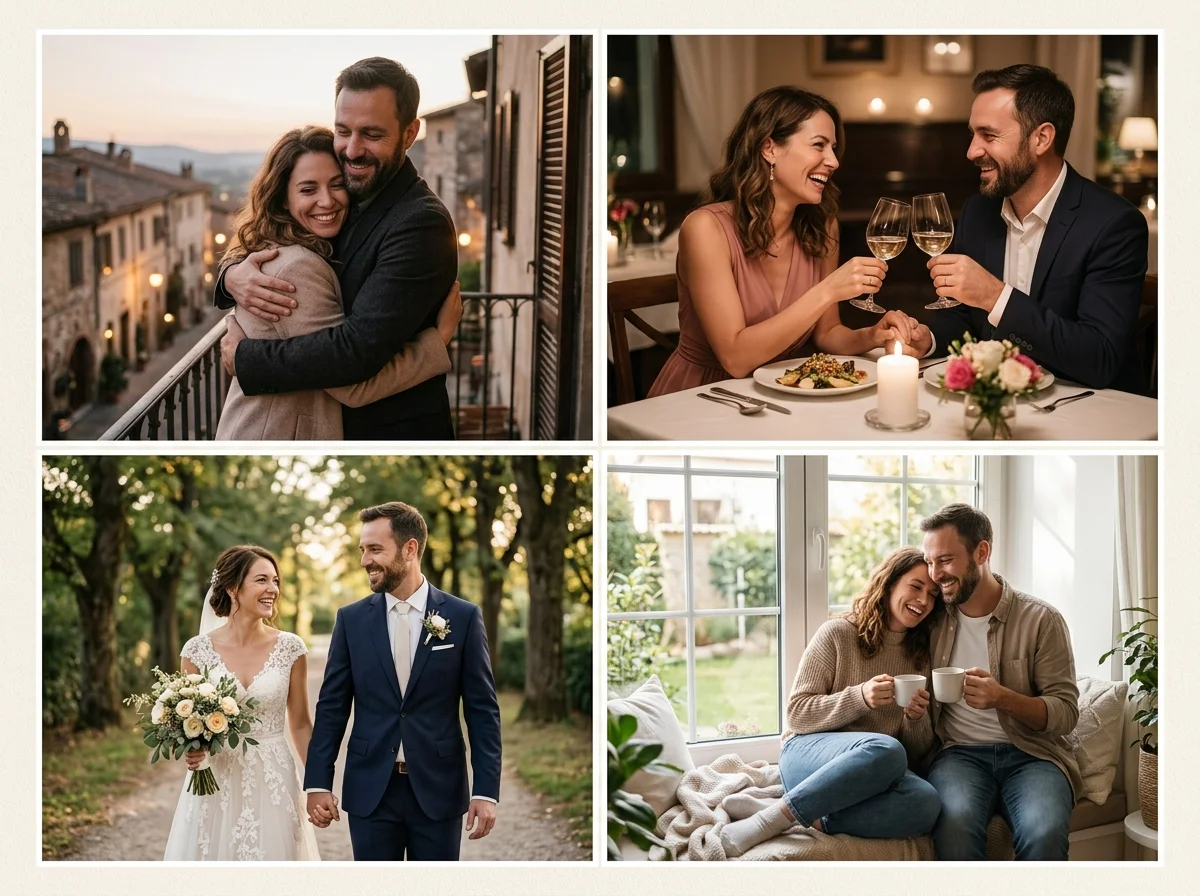
Buat gambar Adegan Romantis dari foto yang boleh Anda gunakan
Generator AI adegan romantis praktis harus menyesuaikan dengan foto yang sudah Anda miliki. Mulai dengan dua potret dewasa jelas saat Anda butuh pasangan yang selaras, gunakan satu foto pasangan saat kedua wajah sudah dalam frame, atau biarkan panduan gaya terbuka saat Anda ingin tampilan romansa bercerita.
AIKisssGo mengutamakan persetujuan: hanya dewasa, hanya foto yang diizinkan. Alat terkait: generator video pasangan dan animasi foto pernikahan.
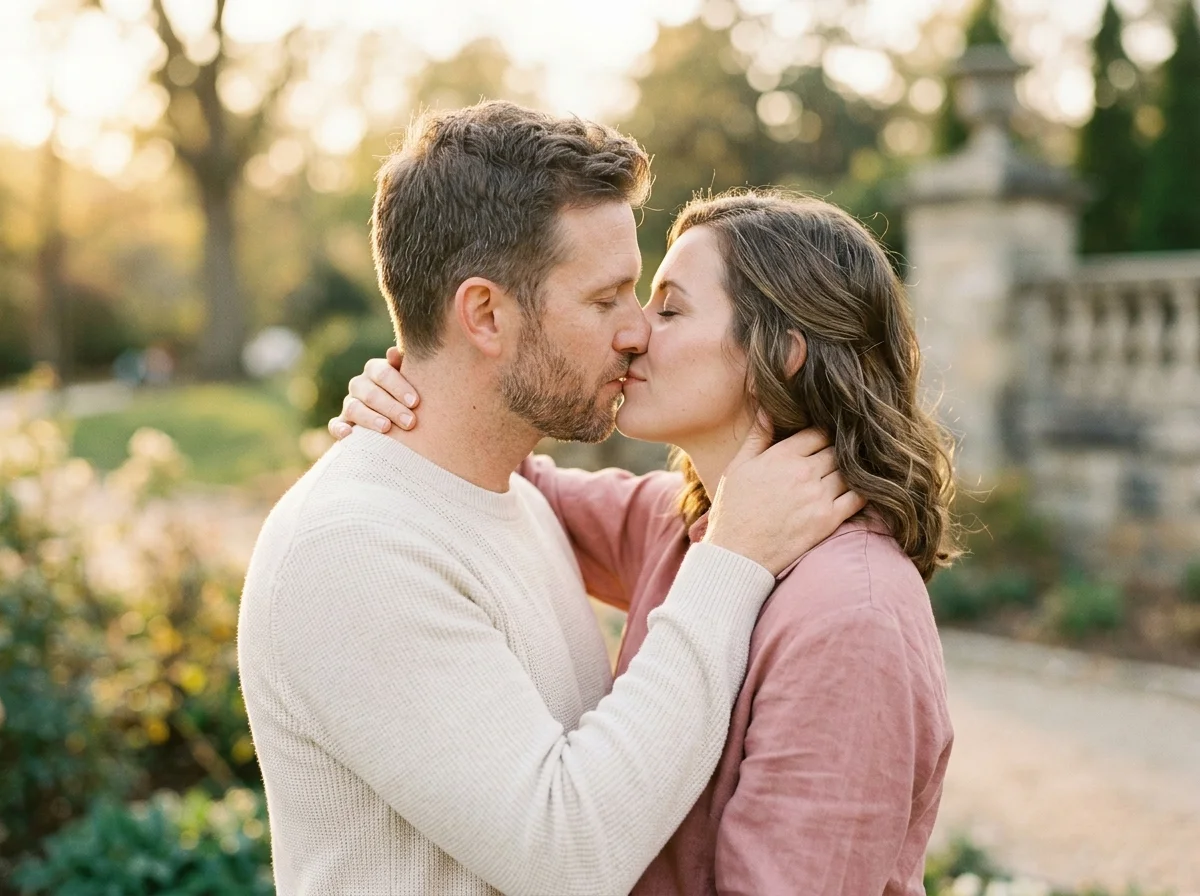
Foto ke Adegan Romantis dengan potret jelas
AI foto-ke-video adegan romantis mengubah wajah diam menjadi gerakan sambil menjaga orang tetap dikenali. Unggah Foto A dan Foto B untuk menentukan siapa yang muncul di klip, lalu gunakan deskripsi opsional untuk pencahayaan, tempo, dan kedekatan. Cahaya lembut dan merata serta kepala menghadap depan biasanya menghasilkan kontak lebih bersih daripada close-up ekstrem atau filter berat.
Panduan prompt untuk ide yang dimulai dengan kata
Saat ide Anda dimulai sebagai kalimat, deskripsikan suasana alih-alih menulis copy sensasional. Sebutkan cahaya keemasan lembut, dorongan kamera halus, tekstur kulit natural, dan gaya adegan romantis yang tenang. Prompt pendek lebih mudah disempurnakan daripada skrip panjang, dan fokus tetap pada wajah yang dikenali serta gerakan yang meyakinkan.
Referensi gaya untuk arah Adegan Romantis yang konsisten
Chip gaya membantu saat prompt saja tidak cukup. Pertahankan adegan romantis terpilih sambil membandingkan tampilan terdekat agar Anda tahu perubahan mana yang memperbaiki pratinjau. Sesuaikan satu variabel sekaligus: foto, pencahayaan, atau gaya. Itu menjaga arah adegan romantis konsisten antar pratinjau.
Apa yang bisa Anda buat dengan generator AI Adegan Romantis
Kenangan romantis pribadi dengan tampilan adegan romantis
Ubah potret yang diizinkan menjadi foto adegan romantis AI untuk ulang tahun, tonggak kencan, atau album pribadi.
Dua potret menjadi satu adegan adegan romantis
Unggah satu foto jelas dari setiap dewasa yang menyetujui jika Anda tidak punya foto pasangan bersama, lalu pandu suasana dengan prompt yang fokus.
Draf romantis siap media sosial
Pilih 9:16 atau 1:1 jika ingin draf vertikal atau persegi untuk cerita pribadi. Jaga wajah tetap alami dan hindari framing sensasional.
Eksplorasi gaya sebelum render akhir
Bandingkan adegan romantis dengan gaya terdekat untuk memilih tampilan yang terasa alami sebelum memakai pratinjau lain.
Mengapa menggunakan generator AI Adegan Romantis AIKisssGo online
Mulai dengan foto yang boleh Anda gunakan
Pilih dua potret atau satu foto pasangan yang sesuai ide Anda. Batasi unggahan pada dewasa yang memberikan persetujuan dan lewati kemiripan apa pun yang tidak dapat Anda izinkan.
Kendalikan suasana dan pengaturan output
Deskripsikan pencahayaan, kedekatan, dan nuansa kamera dalam bahasa sederhana. Pilih rasio, durasi, dan kualitas pratinjau sebelum menghasilkan.
Buat draf romantis tanpa sesi pemotretan penuh
Generator AI adegan romantis membantu Anda menguji draf gerakan singkat dari foto yang sudah ada, lalu sempurnakan hanya yang penting.
Cara membuat AI Adegan Romantis online
Tambahkan foto Anda
Unggah potret dewasa yang diizinkan dengan wajah jelas.
Tulis prompt dan sesuaikan pengaturan
Deskripsikan suasana dan pencahayaan, lalu pilih rasio dan kualitas untuk adegan romantis yang Anda inginkan.
Hasilkan, tinjau, dan sempurnakan
Buka alur produk, periksa konsistensi wajah, lalu sesuaikan foto atau prompt jika perlu.
Batas persetujuan terlebih dahulu untuk Adegan Romantis AI
Jaga wording tetap faktual. Tanpa storytelling yang provokatif. Hanya dewasa. Hanya foto yang diizinkan. Lihat Kebijakan konten, Privasi, dan Ketentuan sebelum mengunggah atau membagikan. Kebijakan konten, Privasi, Ketentuan.
FAQ
Apa itu generator AI adegan romantis?
Generator AI adegan romantis mengubah foto diam dewasa yang menyetujui menjadi foto adegan romantis dengan tampilan romansa bercerita. Anda memilih foto, opsional menjelaskan suasana dan pencahayaan, lalu meninjau hasilnya.
Bagaimana cara memakai generator AI adegan romantis online?
Pilih foto dewasa yang diizinkan, tulis deskripsi singkat jika membantu, pilih rasio dan pengaturan lain, lalu generate. Mulai dengan wajah yang jelas dan terang yang Anda berwenang gunakan.
Generator AI adegan romantis terbaik untuk pemula?
Pemula sebaiknya mulai dengan potret menghadap depan, cahaya lembut merata, dan gaya adegan romantis sederhana. Jaga prompt tetap pendek, tinjau pratinjau pertama, lalu sempurnakan framing sebelum percobaan kedua.
Pengaturan keluaran apa yang tersedia?
Anda dapat memilih rasio umum seperti 16:9, 9:16, atau 1:1, dan mengatur durasi atau kualitas tergantung alat. Batas live dapat berubah saat generasi sepenuhnya terhubung.
Bisakah saya mengontrol tampilan wajah di hasil?
Wajah sumber yang jelas membantu bingkai awal dan akhir tetap dikenali. Cahaya lembut dan ukuran kepala yang serasi juga meningkatkan konsistensi.
Bisakah saya memilih rasio, durasi, dan resolusi?
Ya. Sebelum generate Anda dapat memilih rasio umum seperti 16:9, 9:16, atau 1:1, memilih durasi singkat saat membuat video, dan menargetkan kualitas pratinjau HD untuk berbagi sosial atau pribadi.
Bagaimana cara memperbaiki hasil AI adegan romantis?
Tinjau kejernihan wajah, komposisi, dan jarak kontak. Ubah satu hal sekaligus: foto lebih baik, cahaya lebih lembut, prompt lebih pendek, atau gaya adegan romantis yang lebih lembut jika hasil terlihat tidak stabil.
Apakah generator AI adegan romantis gratis tidak terbatas?
Tingkat gratis biasanya mencakup batasan, klip lebih pendek, resolusi lebih rendah, atau watermark. Periksa batas produk yang berlaku, jangan mengasumsikan penggunaan tak terbatas.
Bisakah foto adegan romantis AI digunakan secara komersial?
Hanya gunakan foto dan kemiripan yang Anda diizinkan gunakan. Ikuti Ketentuan dan Kebijakan Konten AIKisssGo, serta hormati privasi, persetujuan, dan aturan lokal sebelum penggunaan publik atau komersial.
Bisakah saya mengunduh adegan romantis yang dihasilkan?
Saat generasi aktif, Anda dapat mengunduh pratinjau jadi untuk penggunaan romantis pribadi atau berbagi yang disetujui. Sementara itu, tombol Generate membuka alur produk.