Free AI Wedding Photo Animation Generator Online
Generate romantic AI wedding photo animation from a simple prompt and authorized adult photos in seconds. AIKisssGo’s AI wedding photo animation generator makes natural clips easy—no design skills needed.
AI Wedding Photo Animation workspace
Authorized adult photos only · Sign in to generate with credits
Upload Images (optional)
Video model · 11 credits per generate · Alibaba Wan 2.2 Ultra Fast · 720p · 5s · auto
NSFW, violence/gore, hate, CSAM, deepfakes, and IP infringement are blocked. See Content Policy for full rules.
Result
HistoryNo result yet
Your latest AI wedding photo animations will appear here after generation.
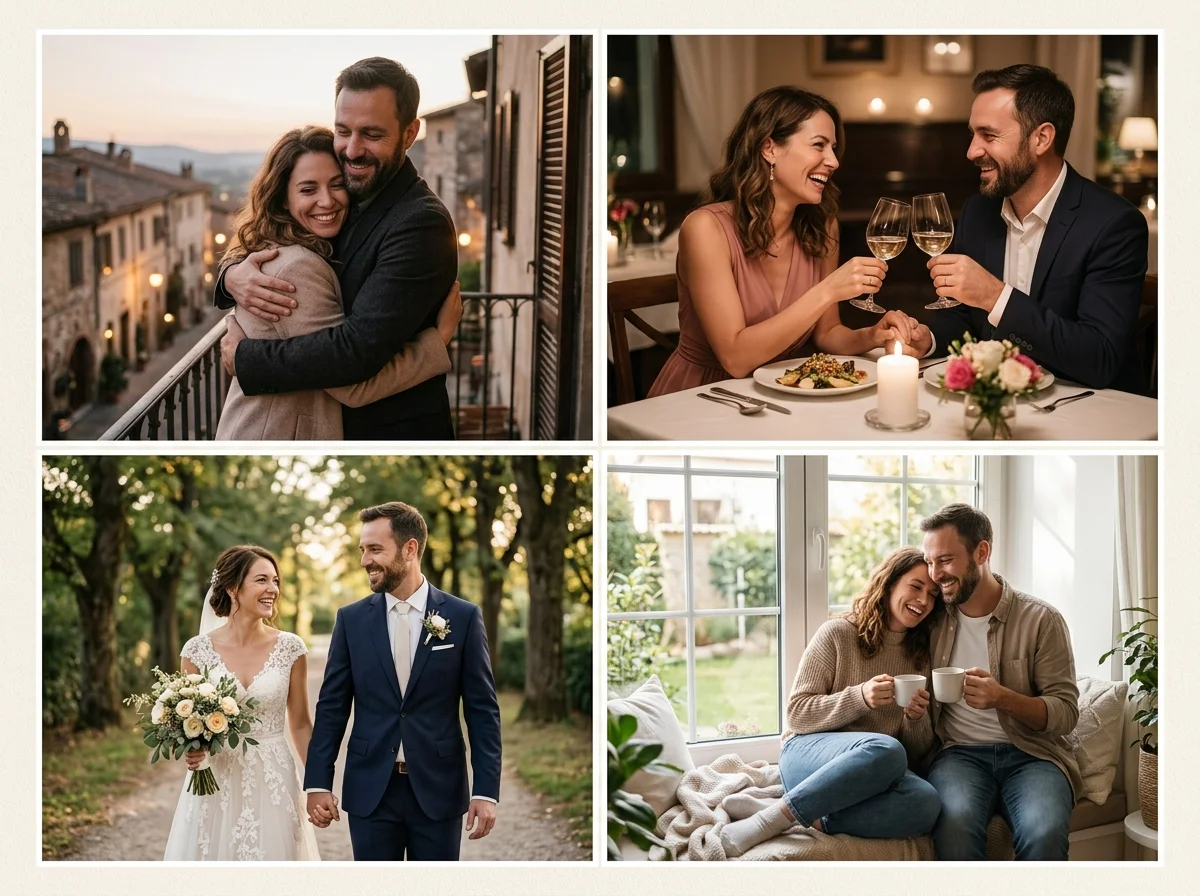
Explore Soft AI Wedding Photo Animation Generator Creations
Unlock gentle romantic creativity with our AI wedding photo animation generator. Create wedding photo animations from authorized adult photos, with moods that fit anniversaries, long-distance moments, and private keepsakes. Related tool: AI Wedding Photo.
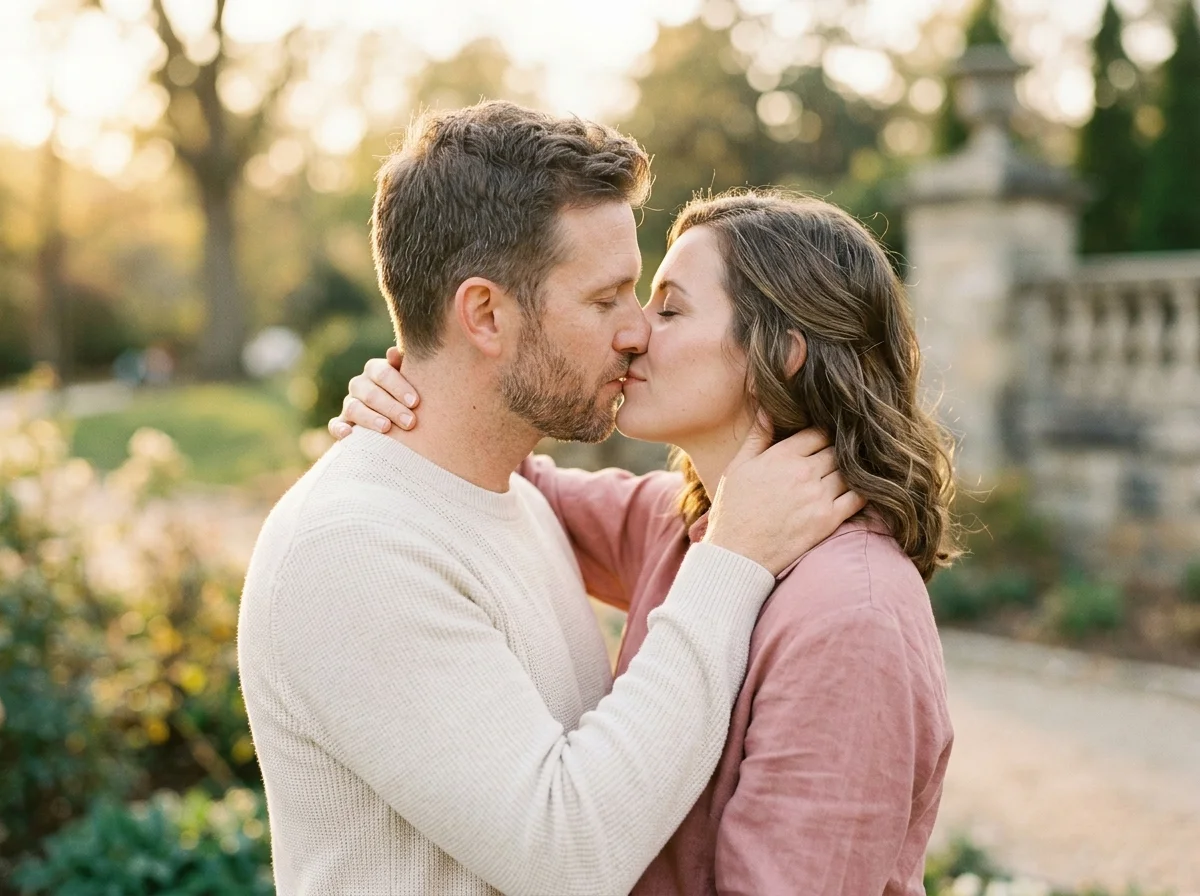
Advanced Understanding with a Natural AI Wedding Photo Animation Generator
A strong AI wedding photo animation generator reads your prompt with clear intent, so style, framing, and ceremony framing and elegant motion stay readable in the final clip. Whether you adjust lighting, camera angle, or closeness, this photo-to-video workflow aims for realistic motion you can actually review. Also see anniversary video maker.
Fast and Efficient Creation with AI Wedding Photo Animation Free Online
With our free online AI wedding photo animation generator, you can create short romantic drafts in seconds and iterate faster than a traditional shoot. This efficiency is ideal for quick mood tests and exploring romantic styles. You can also refine framing with a second preview after small prompt changes.
Generate Authentic Wedding Photo Animation Clips with Photo to Video AI
Our AI wedding photo animation generator helps you create clips that feel grounded in real faces, not generic romance stock. Start from authorized adult portraits so texture, expression, and atmosphere stay believable. Prefer photo packs? See AI Couple Photo.
Why Choose Our AI Wedding Photo Animation Generator
Faster romantic drafts with an AI wedding photo animation maker
Turn authorized couple photos into a usable wedding photo animation preview without scheduling a shoot. Stable framing and soft motion keep the first draft closer to your intent.
Quick style exploration for wedding photo animations
Test warm daylight, cozy indoor light, or cinematic evening looks with small prompt changes. Compare previews quickly before you commit to another render.
Cleaner prompt control for soft motion
Describe closeness, lighting, and camera feel in plain language. Short prompts are easier to refine than long scripts and keep faces recognizable.
Consistent couple series for keepsakes
Reuse a strong photo pair and swap only mood words to build a small set of wedding photo animations for anniversaries, long-distance moments, or private albums.
Polished, ready-to-review romantic results
Aim for publish-ready private drafts with natural skin texture and calm pacing. Export when the motion looks soft and believable.
Realistic wedding photo animation scenes from real photos
Start from authorized adult portraits so the result stays grounded in people you know, not generic stock romance.
How to Use the Free AI Wedding Photo Animation Generator
Choose your AI wedding photo animation generator mode
Select two photos or one couple photo, then keep upright portraits with visible faces when possible so the romance reads clearly.
Write a prompt in the free AI wedding photo animation generator
Describe mood, lighting, and closeness. Simple details like “soft golden light” or “gentle camera push-in” help produce cleaner composition.
Generate with the AI wedding photo animation generator free online
Open the product flow, review motion and face consistency, then adjust a few words or photos if the preview looks unstable.
Download a high-quality AI wedding photo animation
When generation is live, download a finished preview for private romantic use or approved sharing. Until then, Generate jumps to the product flow.
Related: AI Wedding Photo · anniversary video maker.
Consent-First Limits for AI wedding photo animations
Keep wording factual. No provocative storytelling. Adults only. Authorized photos only. See the Content Policy, Privacy, and Terms before you upload or share. Content Policy, Privacy, Terms.
FAQ
What is the best free AI wedding photo animation generator online?
AIKisssGo’s AI wedding photo animation generator is built for romantic wedding photo animations from authorized adult photos. It focuses on clear faces, calm motion, and consent-first guidance rather than sensational templates.
How can I generate an AI wedding photo animation from photos?
Upload two clear adult portraits or one couple photo, write a short prompt for mood and lighting, choose ratio and length, then generate. Review the preview and refine one setting at a time.
Are AI wedding photo animations watermark-free?
Watermark rules depend on the live product plan. Free tiers often include caps or watermarks, while paid flows may remove them. Check current limits before you download.
Who owns the copyright of AI wedding photo animations?
Usage rights depend on AIKisssGo’s Terms and local law. Only upload photos and likenesses you are allowed to use, and review the Terms before commercial or public sharing.
Is my data safe when using the AI wedding photo animation generator?
Only upload authorized adult photos. See Privacy and Content Policy for how inputs are handled when generation is live. Do not upload photos of people who did not consent.
Can I use AI wedding photo animations for commercial purposes?
Only if you have rights to every likeness and your use follows Terms, Content Policy, and local regulations. Private romantic keepsakes are the safest default use case.
Can I edit an AI wedding photo animation after generation?
Yes in practice: adjust the prompt, photos, ratio, or length, then generate again. Small changes usually improve motion more than rewriting the whole description.
Do I need design skills to use the AI wedding photo animation generator?
No. Start with clear photos and a short prompt. The tool is meant for beginners who want wedding photo animations without a full video shoot.
How does the AI wedding photo animation generator work?
It uses your authorized photos as the visual base, then generates short romantic motion guided by your prompt and output settings. Clear faces and matched framing usually produce more natural results.
What photos work best for AI wedding photo animations?
Clear, well-lit adult portraits with visible faces work best. Keep both subjects similarly scaled when using two photos, and only upload images you are authorized to use.